This guide is published by Baboo Stories, created by a developer who is also a parent. We checked the linked public product pages on September 25, 2026; we have not installed or tested the competing products for this review. This is a selection of different formats, not a ranking of every story app. Prices and availability can vary by country and purchase channel.
Quick answer: which bedtime story app fits best?
The best choice depends on the bedtime job you want the app or device to do. Start here, then use the comparison table below to check reading format, screen use and cost.
- Baboo Stories: best fit when a parent wants to read gentle story text aloud and adapt the story in the moment.
- Readmio: best fit when a parent wants to read aloud with triggered sound effects and optional audio features.
- Moshi: best fit when your family wants recorded audio stories, music and calming listening content.
- Storyberries: best fit when you want a free online story library to browse by age, time or topic.
- Yoto: best fit when you want a dedicated screen-free audio player instead of another phone app.
There is no universal winner. A parent-led app, a narrated audio app and a hardware audio player solve different bedtime problems.
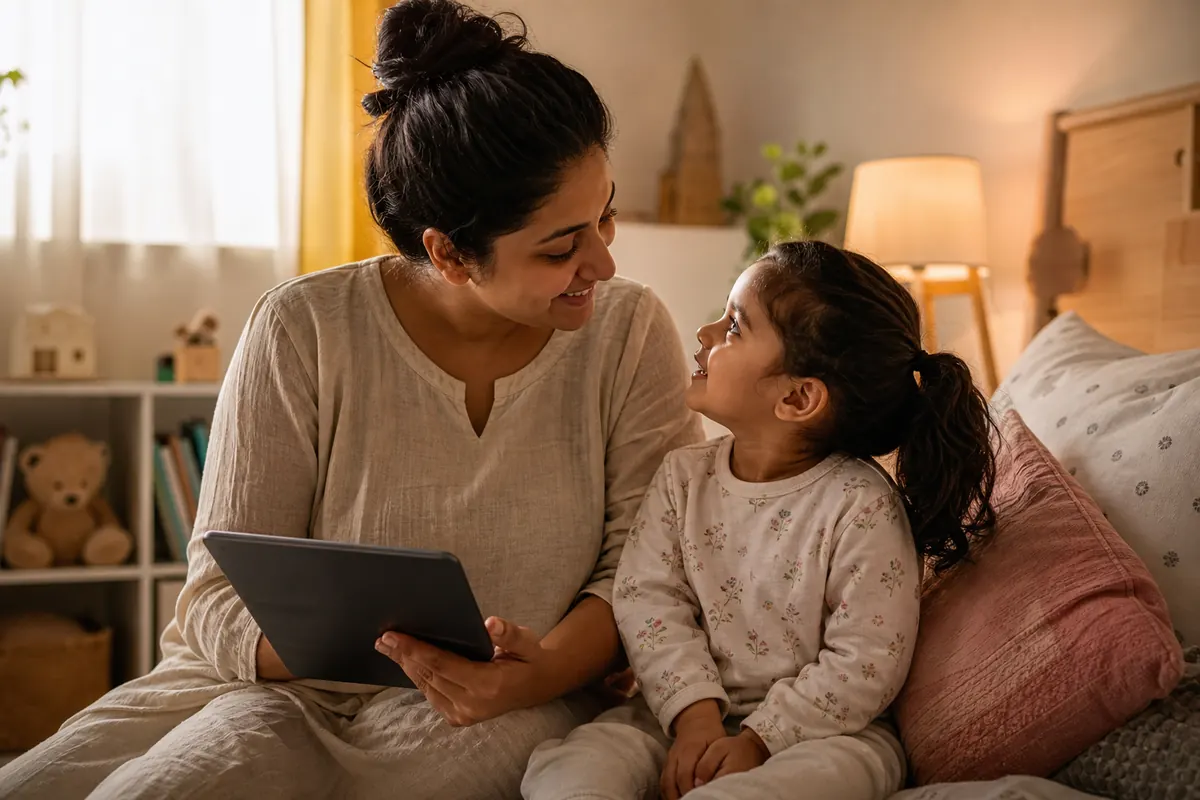
A parent can read from a phone while a child listens to their voice. That still involves a screen for the adult. For a closer look at the distinction, see screen-off and low-screen story options.
Compare reading, listening and cost
Compare each option’s reading format and cost below. Product links lead to the sources checked for this comparison.
Swipe or scroll horizontally to compare all columns.
| Option | Best fit | Reading experience | Adult and device involvement | Cost model |
|---|---|---|---|---|
| Baboo Stories | Parent-led bedtime reading. | Parents read story text aloud; no audio narration. | The adult reads from their phone and can adapt the story. | Free stories need no sign-up. Some stories require an optional monthly subscription. |
| Readmio | Read-aloud stories with sound effects. | Parent reading with triggered sounds; audiobooks are also offered separately. | Choose parent reading with the app or an audiobook. | A free starter set; subscription access to the full library. Check the current offer. |
| Moshi | Recorded calming audio. | Audio stories alongside music, sounds, meditations and activities. | Choose an audio story rather than reading every line yourself. | Monthly or annual subscription; pricing varies by location and offer. |
| Storyberries | Browsing free online stories. | Online storybooks, with browsing by age, time and topic. | A parent can select and read a story from the website. | Free online stories are advertised; books are also available to buy. |
| Yoto Player | Dedicated audio hardware. | Card-operated audio playback. | A dedicated player rather than reading text from a phone. | Hardware purchase; check the bundle and any additional content costs. |
Check the purchase screen before subscribing. A free download does not necessarily include every story, and an annual plan shown as a monthly equivalent is not the same as monthly billing.
Baboo Stories: read together in your own voice
Baboo is a collection of gentle stories for parents and caregivers to read with toddlers and young children. It fits bedtime, but also a quiet afternoon or another shared reading moment. It is available for iPhone and Android.
You read the text from your phone. Your child listens to you, and you can pause, shorten a passage, change a detail or act out a moment. Baboo does not provide audio stories or automatic narration. If you want someone else to narrate, consider a listening option instead.
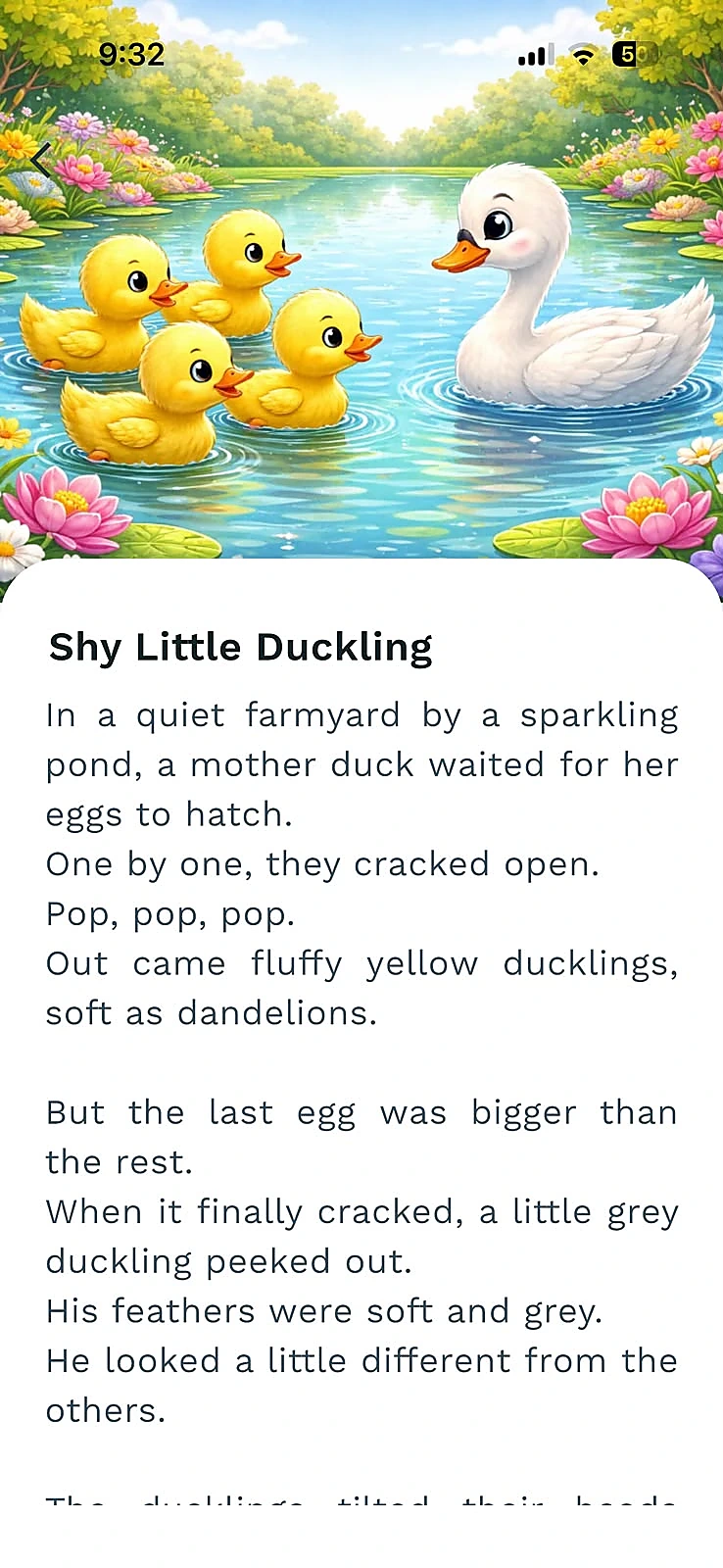
Access: You can read free stories without signing up. Some stories are locked; an optional monthly subscription unlocks them. Check the price and terms shown in the app before subscribing.
Baboo began with stories a developer-parent shared with their own child. Meet Baboo's developer or see the official download options.
Other reading and listening options
Readmio: reading with sound effects
Readmio's described read-aloud mode adds sounds when the parent reaches highlighted words. Its website also lists audiobooks, so choose the mode you want rather than treating sound effects as full narration. Readmio's product guide and FAQ explain the free starter set and subscription library.
Moshi: audio stories
Moshi offers audio stories alongside other content such as music and games. It is an option to investigate when you want recorded listening. Its subscription guidance lists monthly and annual plans and directs families to current in-app pricing for their location.
Storyberries: browse an online library
Storyberries provides age, duration and topic browsing. It includes material for different audiences, so inspect the actual story rather than assuming everything on the site suits a toddler at bedtime.
Yoto: a dedicated audio player
The Yoto Player page describes card-operated audio. Consider it if you want a separate listening device, and check what comes with the chosen bundle before adding content. This is a different purchase from downloading a story app.
How to choose a bedtime story app
Before comparing brand names, decide what kind of bedtime moment you are trying to create. These questions narrow the field quickly.
- Who will read? Choose parent reading when you want to use your own voice; choose narration when recorded listening is the better fit.
- What is the story like? Preview its themes and ending. A category label does not tell you everything about a particular story.
- How much time do you have? Choose something you can enjoy without rushing. It is fine to pause and return later.
- What does access cost? Check which stories are included, the billing period, and any device or content purchases.
For a closer look at the reading-versus-listening question, see parent-led reading versus narrated story apps.
If an option generates or personalizes stories, check privacy and data use for AI story apps before deciding whether it fits your family.
For younger children, use our toddler story app checklist. If you want reading ideas rather than another app, explore story choices for a two-year-old or short bedtime story ideas.
Read a story together with Baboo
Choose a gentle story and read it in your own voice. Make room for a question, a cuddle, or a little change to the story, whatever fits your family today.
Free stories. No sign-up needed.


Some stories require an optional monthly subscription.
FAQ: bedtime story apps for kids
What is the best bedtime story app for kids?
There is no single best option for every family. Baboo fits parent-led reading, Readmio fits reading with sound effects, Moshi fits recorded audio, Storyberries fits free online browsing, and Yoto fits a dedicated audio player.
Are bedtime story apps screen time?
A phone-based story app still uses a screen for the adult, but parent-led reading is different from child-alone scrolling or autoplay video. Keep the device in the parent's hand, lower brightness, and use the story as a shared reading moment.
Should I choose parent reading or recorded narration?
Choose parent reading when you want to use your own voice, pause, shorten or adapt the story. Choose recorded narration when your family wants listening support or a dedicated audio format.
Is Baboo a screen-free app?
No. Baboo gives parents text to read from a phone, so the adult still uses a screen. Printed books and stories told from memory need no screen; see our guide to screen-free and low-screen story options.
Sources and review notes
Competitor descriptions above are based on the linked publishers' pages checked September 25, 2026. Baboo's developer confirmed the free download, monthly all-story subscription and parent-reading format. This guide does not claim tested sleep outcomes, rank products by a score, or verify every feature. If you spot something out of date, email hello@baboostories.com.