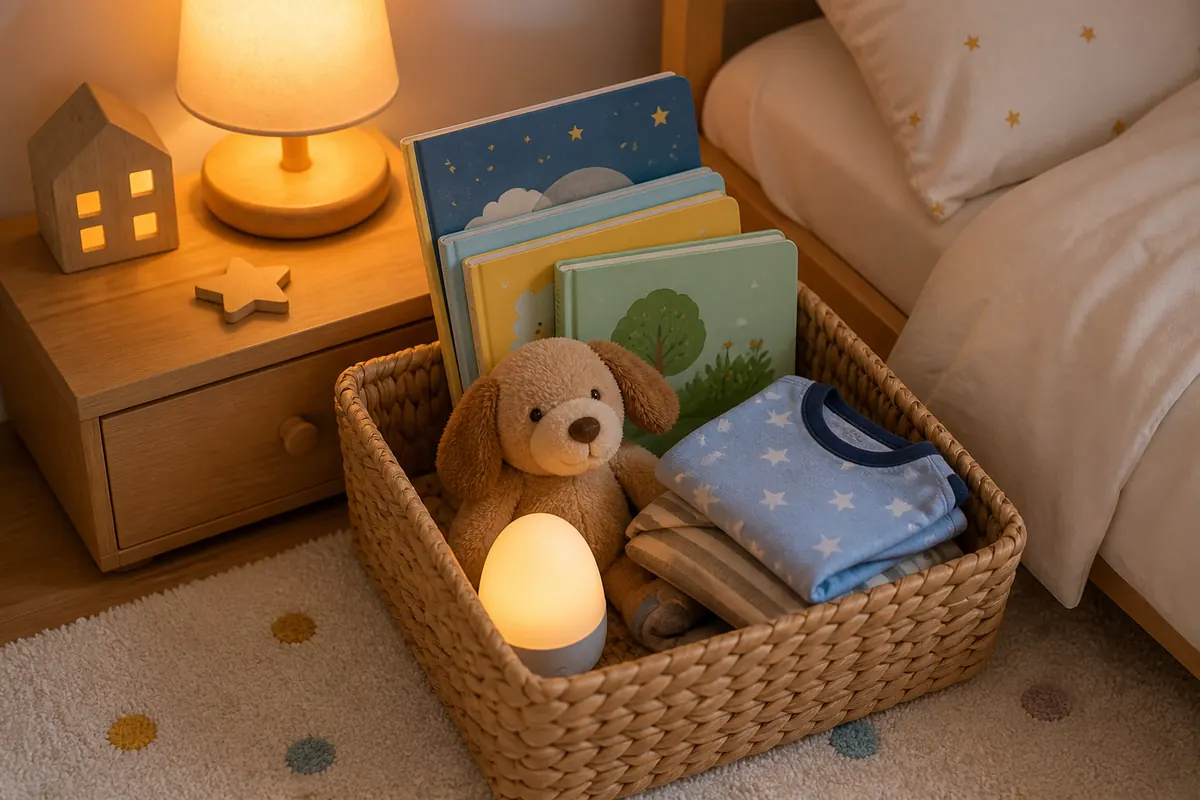
Choose a story format in a minute
Want a story without your child watching a screen? Start with the experience you want: a book to share, a story you tell, a recording to listen to, or words for you to read from your phone.
- No device at all: choose a printed book or tell a familiar story from memory.
- A recorded voice with the display off: look for audio that keeps playing when the screen is locked, or a dedicated audio player. Test the actual device before relying on it.
- A story you read in your own voice: use a printed book or a parent-read app. With an app, the adult still needs the screen to see the words.
You can choose differently on different days. A book may suit a quiet moment at home; a familiar recording may suit a journey. The useful question is who needs the screen while the story is happening.
Compare screen-free and low-screen story formats
Here, screen-free means no one needs to watch a display during the story. Low-screen describes limited screen involvement; it is an informal description, not a health category. Audio may still need a screen for setup, and phone-based reading still uses a screen.
Swipe or scroll horizontally to compare all columns.
| Format | Who tells the story? | Screen during the story | Check before choosing |
|---|---|---|---|
| Printed book | You read aloud and share the pictures. | No screen needed. | Does the length and subject suit the moment? |
| Oral storytelling | You tell a remembered or made-up story. | No screen needed. | Choose a simple idea you feel comfortable telling. |
| Recorded audio | A recorded narrator speaks. | Potentially none after setup; behavior varies by app and player. | Screen-off playback, stop controls, downloads and paid access. |
| Parent-read phone app | You read the displayed words. This is Baboo's format. | The adult uses the screen; the child may listen or look too. | Readable text, suitable stories and which content is locked. |
For the reading-versus-listening decision, see parent-led reading versus narrated story apps. For named products, use our bedtime story app comparison.
Check an audio option with the screen off
An app offering audio does not automatically mean it works the way you need. Try this with a sample story before making it part of your plans:
- Start, then lock. Play a story and lock the phone or turn off the display. Does the narration continue?
- Pause and resume. Check whether you can stop the story using the player or lock-screen controls without opening a browsing screen.
- Check the ending. Does playback stop, repeat, or start another story? Look for the setting that suits you.
- Test away from Wi-Fi if needed. If the product offers downloads, download an allowed story and try it without a connection before a trip.
Results can depend on the app, device, story and subscription. Check the current product information if a feature is unclear. These are selection checks, not features offered by every story app.
A checklist before you download or buy
- Your involvement: do you want to read the words, tell a story, or listen alongside your child?
- Story preview: can you check the subject, voice and length before choosing it?
- Screen involvement: who needs to look at the display, and when?
- Simple controls: can you pause, replay and finish without searching through menus?
- Access and cost: which stories are included, which are locked, and does a trial become a paid subscription?
- Where you will use it: if a connection will be unavailable, have you verified offline access for that exact story?
A printed book or a story you already know may meet your needs without another download. If you are unsure how shared phone reading fits, our guide to phone reading and screen time explores that question separately.
A brief note for bedtime
The NHS guidance on sleep and young children recommends a predictable bedtime routine and avoiding children looking at phones, tablets or laptops in the 30 to 60 minutes before bed. A printed book or oral story lets you keep the device away. For a practical transition from videos, see our guide to replacing toddler screen time before bed.
Want words to read in your own voice?
Baboo Stories is a collection for parents to read from their phone to toddlers and young children. You hold the phone, read the story and pause whenever you want to talk. The adult still uses the screen: Baboo does not provide audio stories or automatic narration.
Baboo is free to download. Some stories are locked, and an optional monthly subscription unlocks all stories.


Choose your next guide
- Try screen-free activities for toddlers at home when you want offline play rather than another story format.
- Compare named story apps and audio options when you are ready to choose a product.
- Understand phone reading and screen time if you want to explore shared screen use.
- Plan a transition away from bedtime videos if that is the problem you are solving.
- Try practical read-aloud ideas once you have chosen a story to share.